One reason I migrated my blog from a hosted solution to GitHub Pages was to see how AI agents could help me improve it and post content. So when I noticed some responsiveness issues while it on my phone, I tried fixing them directly using Claude app’s Code sessions (this is the web/mobile interface of the Claude app, not Claude Code the CLI tool).
It mostly worked — Claude debugged the issue, I reviewed the changes, and pushed a fix, which triggers the deployment, all from my phone while I was out.
That said, I ran into a few things that made the experience less smooth than I expected. If you’re a Ruby developer thinking about trying this, here’s what to know:
The cloud environment won’t match your local setup. Code sessions run in a standardized Anthropic-managed VM with rbenv and Ruby 3.3.6 as the default. My site uses chruby and Ruby 4.0.0 and I wrote my CLAUDE.md based on it. In the cloud environment Claude tried and failed to follow these, then just gave up on building my Jekyll site to actually test the fix.
I needed to push it to sort out the environment issue, commit detailed instructions for that into CLAUDE.md, and verify the fixes after rebuilding the site. The cloud environment specific instructions are necessary for things to work consistently across multiple Code sessions.
There’s no editor view. You can’t easily see code changes as you go — there’s no editor pane. You either check individual tool outputs, ask Claude to summarize changes, or open a PR to see the diff there.
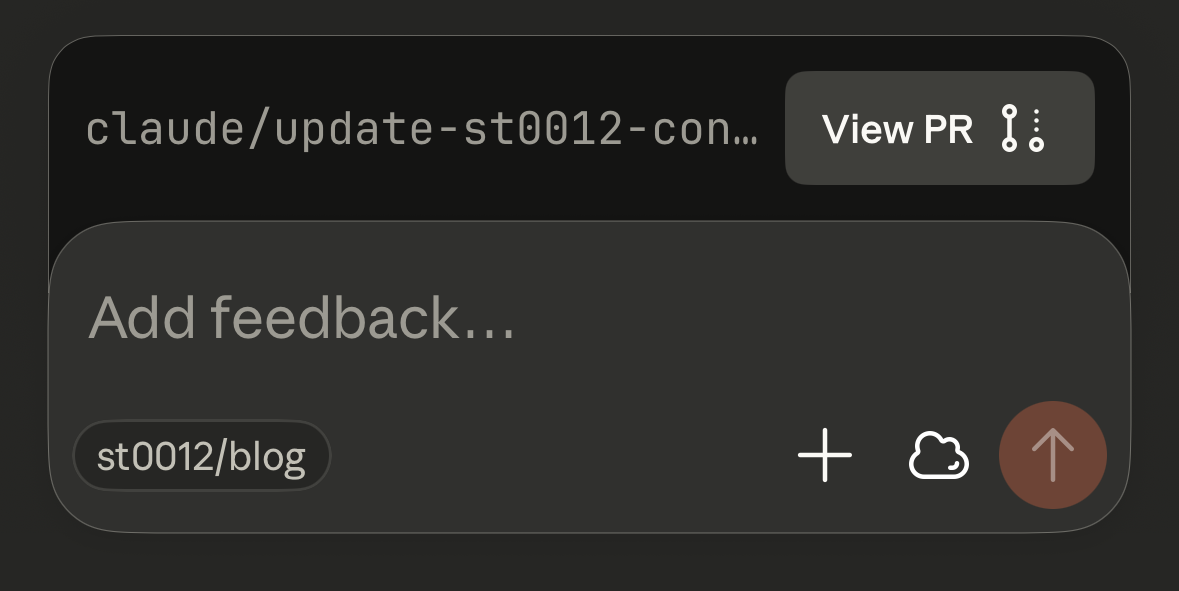
Sessions seem tied to a single PR. After my first PR was merged, I tried adding follow-up changes in the same session. Neither pushing to the rebased branch nor creating a new branch made Claude realize it needed to create a different PR — the UI kept showing the old, merged one. I’m not sure if this is a bug or intended behavior.
I’m genuinely excited that I can now address website issues and publish content from my phone. The experience was good enough that I’ll probably use it again.
I’m less excited about hearing “You can fix this on your phone” in the future.